
Want to run Windows on your Mac? Parallels Desktop 27 is the easiest way. This guide shows how to activate Parallels Desktop 27 using the official method, step by step. If you do not have a key yet, get a Parallels Desktop 27 key.
What you need
- A Mac that meets the Parallels Desktop 27 requirements
- An internet connection
- The activation key sent to your e-mail after purchase
- A Parallels account (free, you can create it during setup)
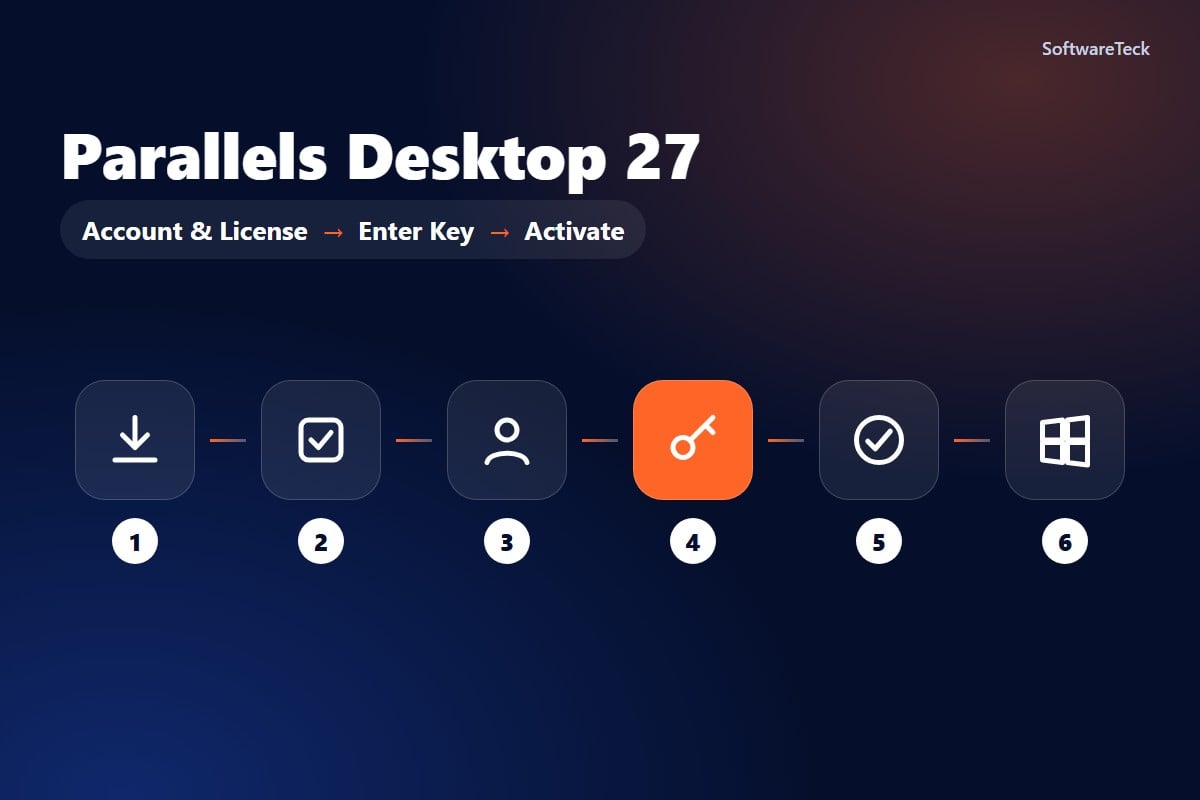
Steps to activate Parallels Desktop 27
- Download it from the official site: Go to the official Parallels download page and download Parallels Desktop 27 (.dmg file).
- Install the app: Open the downloaded file, double-click Install and follow the prompts. Enter your Mac password when asked.
- Sign in to your Parallels account: On first launch the app asks you to sign in. Sign in or create a free account.
- Open the activation window: From the menu bar choose Parallels Desktop → Account & License.
- Enter your activation key: Click Enter Key and paste the key exactly as you received it, without extra spaces.
- Click Activate: Click Activate and wait a few seconds for the confirmation.
- Install Windows: In the Parallels installation assistant choose to install Windows; the right version for your Mac downloads automatically.
Common problems and fixes
"The key is invalid"
Make sure you copied the whole key and that the installed version is Parallels Desktop 27.
No activation button
Sign in to your Parallels account first, then reopen Account & License.
Activation does not finish
Check your internet connection, turn off any VPN for a moment and try again.
FAQ
Do I need to remove an older version?
No. Installing version 27 updates the existing app and keeps your virtual machines.
Does it work on Apple Silicon Macs?
Yes. Parallels Desktop 27 supports Apple Silicon and Intel Macs according to the official requirements.
Where are the official Parallels steps?
See the official Parallels support article.
Ready to start?
Get your Parallels Desktop 27 key and the key arrives in your e-mail. Need help while activating? Message us on WhatsApp