
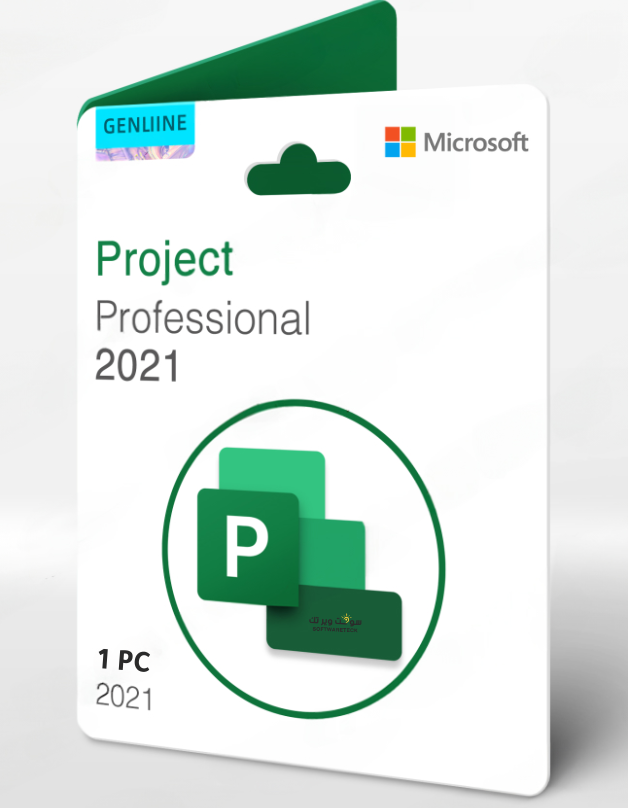

[DESC]
Get Microsoft Project 2021 Pro Plus with a Retail license not linked to your email. Official download link delivered within 5 seconds of ordering. Easy installation from Microsoft's official .img file. Note: The code is valid for 1 PC / 1 installation only.
✅ Retail license — no personal email binding
✅ Direct download from official link within 5 seconds of ordering
✅ Easy installation from Microsoft's official .img file
✅ Professional project management: Gantt charts, resources, tasks
✅ Windows only
✅ ⚠️ Code valid for 1 PC / 1 installation only
[/DESC]
[ACTIVATION]
Installation & Activation
1. Download the official .img installer from the link below — available within 5 seconds of ordering:
2. Right-click on the downloaded .img file and select 'Mount' to open it as a virtual drive.
3. Open the mounted folder and run Setup64.exe (or Setup.exe for 32-bit systems).
4. After installation completes, open Project 2021 from the Windows Start menu.
5. You will be prompted to enter your activation code — enter the code provided after purchase.
⚠️ The code is valid for 1 PC / 1 installation only. If you uninstall or reinstall, you may need to purchase a new code. Windows only.
[/ACTIVATION]
[FAQ]
When is the order fulfilled?
Direct download — click 'Orders & Download' and find the link within 5 seconds.
How do I open the .img file?
Right-click the file → Mount — it will appear as a virtual drive.
Setup.exe or Setup64.exe?
64-bit system (most modern PCs) → Setup64.exe, otherwise → Setup.exe.
Can it be reinstalled after formatting?
The code is valid for 1 PC / 1 installation only. If you uninstall or reinstall, you may need to purchase a new code.
Does it work on Mac?
No, Windows only.
Will I get an invoice?
Yes, automatically generated after order completion.
[/FAQ]